Auto shoutouts for Twitch raids and users
Automatically shout out special Twitch community members when they first chat or raid during your stream.
This helps you recognize and promote key members of your community, encouraging loyalty while fostering a positive and engaging environment in your Twitch chat.
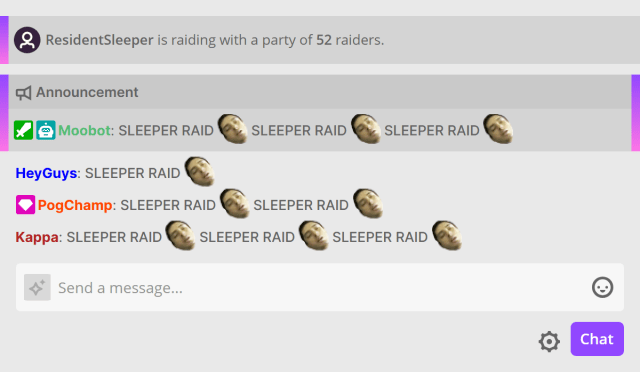
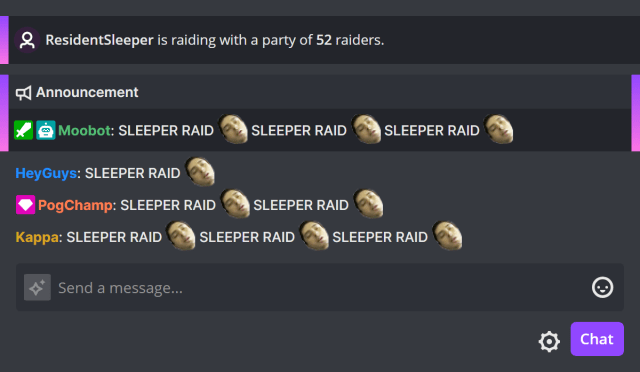
Each message can be customized for an individual raid or community member, allowing you to tailor your shoutouts to fit their personality and preferences.
The messages can also include dynamic placeholders, such as their last played game or the number of raiders, making each shoutout relevant to the specific context of the raid or community member.
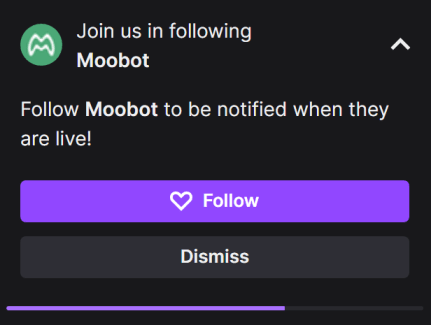
Moobot's automatic shoutouts are also tightly integrated with Twitch's native shoutout functionality, which displays a dialog directly to your viewers, allowing them to follow the community member without leaving your stream.
Follow these steps to enable automatic shoutouts for Twitch raids and users:
- Open the
«Features»menu from the main menu, then open the«Special features»menu.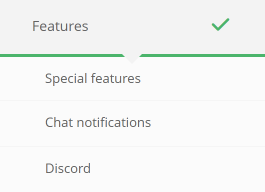
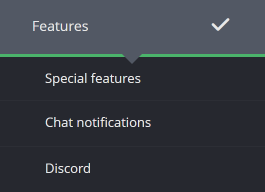
- While in the
«Special features»menu, activate the toggle button for the«Auto shoutouts»feature on the right-hand side.


- Open the
«Settings»menu from the right-hand side of the feature.
- Add a community member by entering their Twitch username and selecting them in the
«Add a user...»dropdown.

- Toggle the switch for each interaction type that should trigger an automatic shoutout, such as first chat messages or raids.
- Customize the message for each type of interaction to fit your community member's personality and preferences.
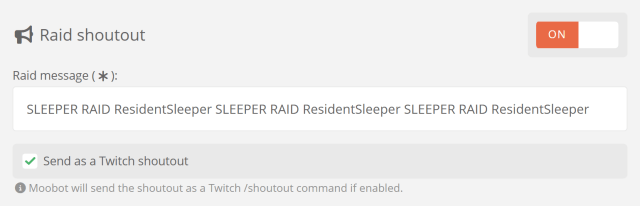
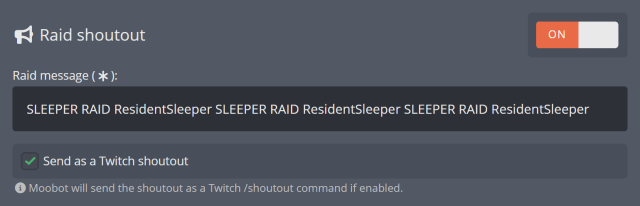
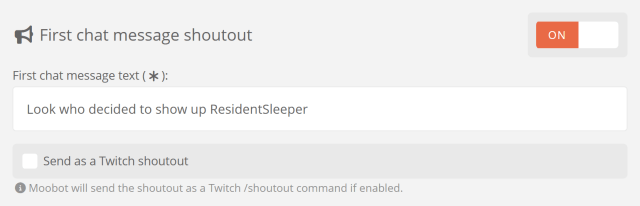
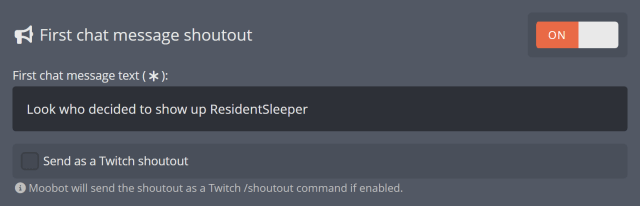
- Toggle the
«Send as a Twitch shoutout»checkbox to enable or disable automatically sending a Twitch shoutout for the selected interaction type.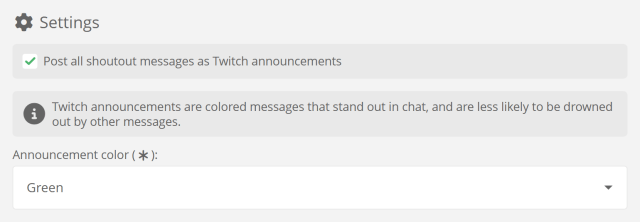
- Save the settings to apply your changes.
Moobot will now automatically send shoutouts for the specified community member.
Toggling shoutouts for community members
Automatic shoutouts can be toggled on or off for each community member individually, or for all community members at once.
Follow these steps to toggle shoutouts for community members:
- Open the
«Features»menu from the main menu, then open the«Special features»menu. - (Optional) While in the
«Special features»menu, you can fully activate or deactivate the«Auto shoutouts»feature by toggling the switch on the right-hand side. - Open the
«Settings»menu from the right-hand side of the feature. - (Optional) Toggle the
«Enable raid auto shoutouts»or«Enable first message auto shoutouts»checkboxes to enable or disable automatic shoutouts for all community members.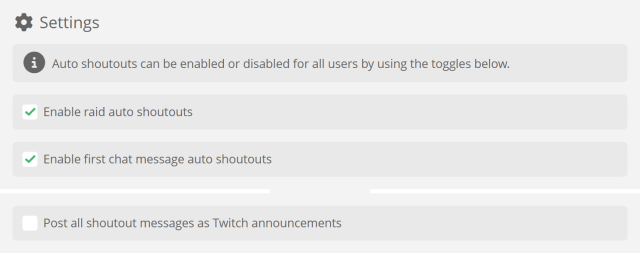
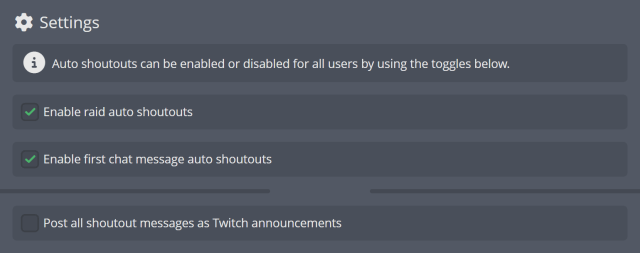
- (Optional) Find the community member in the list and use the toggle buttons for
«Raid shoutout»or«First message shoutout»to enable or disable automatic shoutouts for that specific community member.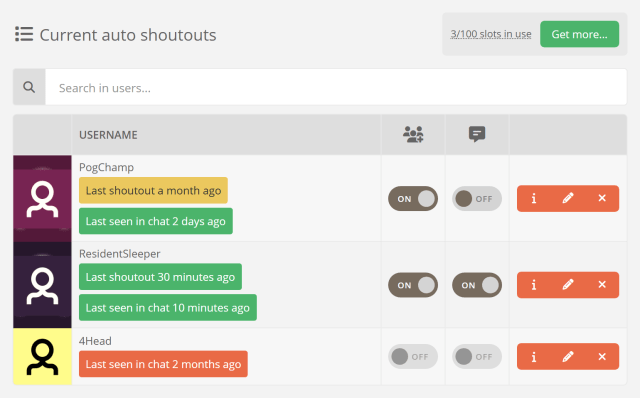
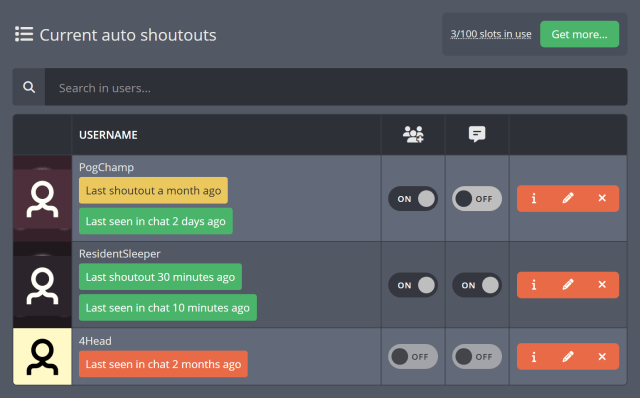
Adjusting the settings will have an immediate effect on how Moobot handles automatic shoutouts for your community members.
Making shoutouts stand out in Twitch chat
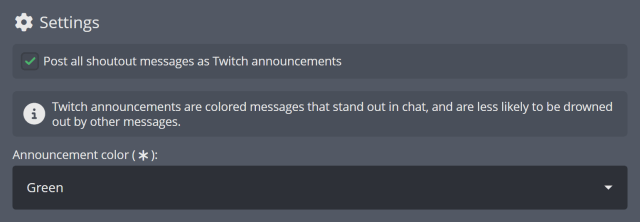
Shoutouts can also be sent as Twitch announcements, which are colored messages that stand out in chat, making them much less likely to be drowned out by other messages.
To send auto shoutouts as announcements, activate the «Post all shoutout messages as Twitch announcements» checkbox in the «Settings» menu of your auto shoutout feature.